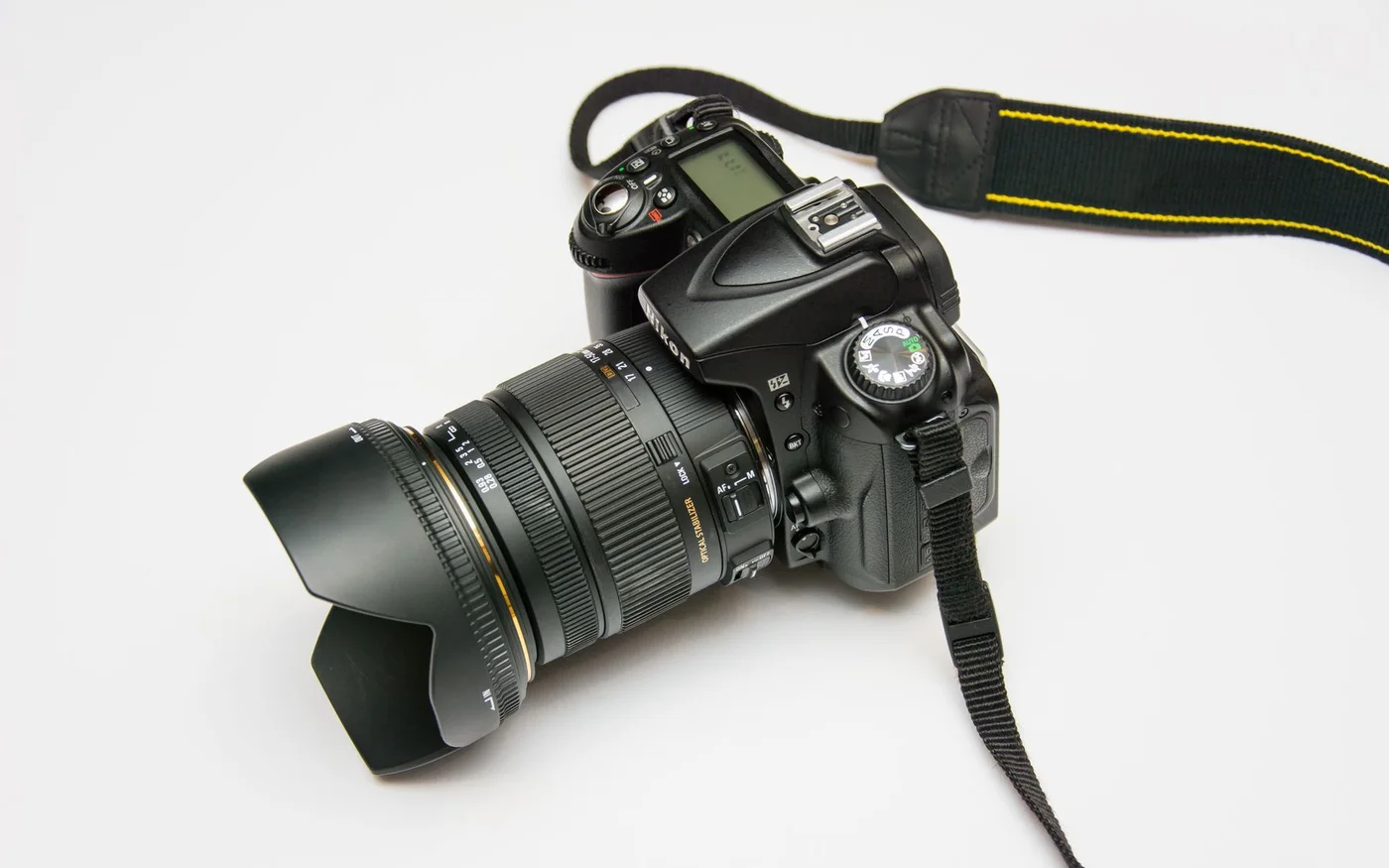

A product photograph can create desire and still leave a shopper unable to decide. The image may hide the scale, show several objects without explaining what is included, or make two variants look almost identical. More lifestyle photography does not necessarily solve the problem. An effective product story combines an appealing context with evidence about the actual item being sold.
This guide uses an illustrative small shop selling handmade home accessories. It does not present a merchant experiment or claim that a particular image sequence increases conversion. The examples describe a practical way to plan photographs, descriptions, and supporting details before investing in a large shoot. The right approach depends on the product, the channels involved, and the questions customers genuinely need answered.
Define the decisions a photograph should support
List the questions that affect purchase suitability: what the item is, its dimensions, material, color, included components, and intended use. Some answers are best communicated visually, while others need text. Do not force a photograph to carry information it cannot convey reliably. A picture of a cushion on a sofa provides context, but it may not establish the exact size or whether the cover and insert are both included.
For each planned view, write a purpose. The main image identifies the product. A detail view shows texture or construction. A scale view helps the shopper understand proportion. A package view clarifies the contents. This simple brief prevents a shoot from producing many attractive versions of the same composition while missing an important question. It also helps a small business prioritize a limited budget around the information customers need rather than the number of images a competitor publishes.
Keep the main image honest and recognizable
The main image must represent the actual offer clearly. Check whether a crop removes an identifying detail or makes the product appear to include an accessory that is only a prop. Keep the background and lighting appropriate for the channel. Different marketplaces and shopping services can have specific image requirements, so verify them instead of assuming the website's lifestyle hero will be acceptable everywhere.
Google Merchant Center's image guidance describes requirements for product image links and presentation, including how images may be cropped in its surfaces. Those requirements apply to that service and do not establish one universal creative style. Read the image-link guidance. Use the relevant rules alongside the product brief. A clear main view can coexist with expressive supporting photography, provided the shopper can distinguish the item being sold from the setting used to introduce it.
Show scale without relying on guesswork
Objects photographed against a plain background can be difficult to size. Add a useful reference or contextual view while keeping the exact measurements in text. Select a reference that makes sense for the intended customer. A hand can help communicate scale, but its proportions are not a precise measurement. A room setting can show an item in use, but perspective may exaggerate its size.
For a handmade vase, explain the height and relevant opening dimensions and show how it relates to a realistic arrangement. If each item varies, describe the nature and likely range of variation accurately. Do not promise identical measurements when the production process does not support them. The goal is to reduce avoidable surprises. A shopper should not need to infer an important dimension from the size of a decorative book whose actual scale they cannot know.
Treat color as a communication challenge
Product color is affected by lighting, editing, display settings, and surrounding surfaces. Use a consistent photography process and avoid heavy filters that change the offer to match the brand's palette. The website can maintain a coherent visual identity through framing and layout without making every product appear the same muted shade. Accuracy is especially important when color distinguishes variants.
Name variants clearly and connect each selection to the correct images. A change in the written label should not leave the photograph showing a different option without explanation. Where variation is part of handmade production, show representative examples and explain the limitation. A generic statement that screens differ is not a substitute for careful image preparation, but it can help set realistic expectations. Review customer questions and returns for signs that the current images are creating a recurring misunderstanding.
Use details to explain value
A close view can make craftsmanship or material understandable when it is connected to a specific explanation. Show the feature that matters and say why it matters to the product's use. Avoid vague claims such as exceptional quality without identifying what the customer can inspect. The detail should support an accurate proposition, not merely create the impression of luxury through shallow focus and dramatic lighting.
For the home-accessories shop, a construction detail might explain a removable cover or the finish on an edge. Keep the description proportionate and avoid implying a certification or performance characteristic that has not been verified. If a supplier provides a technical specification, confirm that it belongs to the current product version. A product story becomes more trustworthy when its attractive details are anchored to information the business can stand behind rather than borrowed language that sounds persuasive.
Write the description after reviewing the evidence
Build the description from the product record and the visual brief. Explain the purpose, key characteristics, included items, and relevant limitations. Organize the material so a shopper can scan practical facts without losing the brand's voice. The opening can establish the appeal, while a separate facts area answers precise questions. Avoid burying a critical condition inside an expressive paragraph.
For example, a made-to-order wall hanging may require a lead time that differs from ready-stock items. State the condition near the purchase decision and keep it consistent with checkout and delivery information. If customization changes return conditions, obtain appropriate guidance and explain the relevant process accurately. The product page is not only a marketing surface. It is part of the customer's understanding of what will happen after they commit to the purchase.
Prepare the images for the actual website
A large original file should not be sent to every small card in the shop. Produce suitable versions for the main view, thumbnails, and related products. Preserve a consistent relationship between the source and its variants so the selected item does not change appearance unexpectedly across devices. Check the crop at mobile width and the file the browser actually requests.
Reserve space for images before they load so the layout does not push controls around. Keep important visual information available when an optional gallery script fails. Provide a meaningful text alternative when the image communicates information, and avoid repeating a long promotional description in every alternative. Technical preparation should support the product story rather than become a separate optimization exercise. A perfectly compressed file is still the wrong asset if it depicts an unavailable variant or cuts off the feature the description discusses.
Keep ownership and permissions clear
Record where photographs came from and how the business is permitted to use them. Supplier images, commissioned photography, stock material, and customer photographs can have different conditions. Obtain appropriate permission before publishing identifiable customer content. Do not imply that an image documents a purchase or endorsement when it is simply an illustration selected for the page.
Keep the original and the approved edited files organized. An editor should be able to distinguish a current product image from an old sample or a shoot concept. If a missing original cannot be recovered during a website restoration, report that fact and choose any replacement transparently. A generic stock image is not a factual substitute for a particular product. Protecting that distinction is more valuable than making every card look complete at the expense of an accurate offer.
Keep discontinued variants out of the visual promise
A product page can retain an image of a color or accessory that is no longer sold. Review the relationship between the active options and the gallery when the offer changes. If an older image remains useful for context, label it clearly and avoid making it the default view of a different product. The customer should not have to discover the discrepancy after selecting an option.
For handmade products, the available piece may differ from a previous example. Explain whether the photograph depicts the exact item or a representative version. Keep that distinction consistent with the description and order confirmation. An accurate variation note is more useful when placed near the relevant visual than when hidden inside a broad policy page.
Assign the review to the person who manages the product record. Image maintenance should be part of changing the offer, not a separate task someone remembers only after a complaint. This connection helps the shop keep a small, trustworthy catalog even when stock, materials, or supplier photography changes. The objective is a product story that remains true after publication, not merely a convincing launch-day presentation.
Test the story with an unfamiliar reader
Ask someone who has not helped prepare the product page to explain what they would receive, its approximate size, and any important purchase conditions. Have them identify the variant they would select and the information they still need. Observe the page rather than explaining it for them. A small informal review cannot predict the behavior of every shopper, but it can reveal a basic gap in the information.
Use those observations to refine the product record, image sequence, or description. Then check that the same facts appear consistently in relevant channels. The strongest product page is not necessarily the one with the most photographs. It is the one whose pictures and words work together to make the offer appealing and understandable, while leaving the customer with fewer reasons to be surprised by what arrives.